Your ecommerce store gets traffic. People show up, browse around, maybe add something to their cart. Then they leave. Like they walked into a restaurant, read the entire menu, complimented the decor, and then climbed out the bathroom window. Start with reducing cart abandonment and setting up abandoned cart email sequences.
The average ecommerce conversion rate sits between 2% and 4%. That means 96-98% of your visitors are doing absolutely nothing profitable. And most store owners just... accept this? Wild.
Here's how to actually fix it.
Know Your Numbers Before You Touch Anything
You can't improve what you don't measure. Sounds like a motivational poster in a dentist's office, but it's true.
Before changing a single button color or rewriting a product description, pull these numbers:
- Conversion rate: (Total sales / Total visitors) x 100. Basic math.
- Add-to-cart rate: If this is low, your product pages suck. Or your prices are wrong. Or both.
- Checkout abandonment rate: People started buying and quit. This one stings because they were RIGHT THERE.
- Bounce rate: People landing on your site and immediately leaving. Like they smelled something bad.
These numbers tell you where the leak is. Without them you're just guessing. And guessing is how you end up A/B testing button colors for six months while your checkout flow has a broken coupon field that nobody noticed.
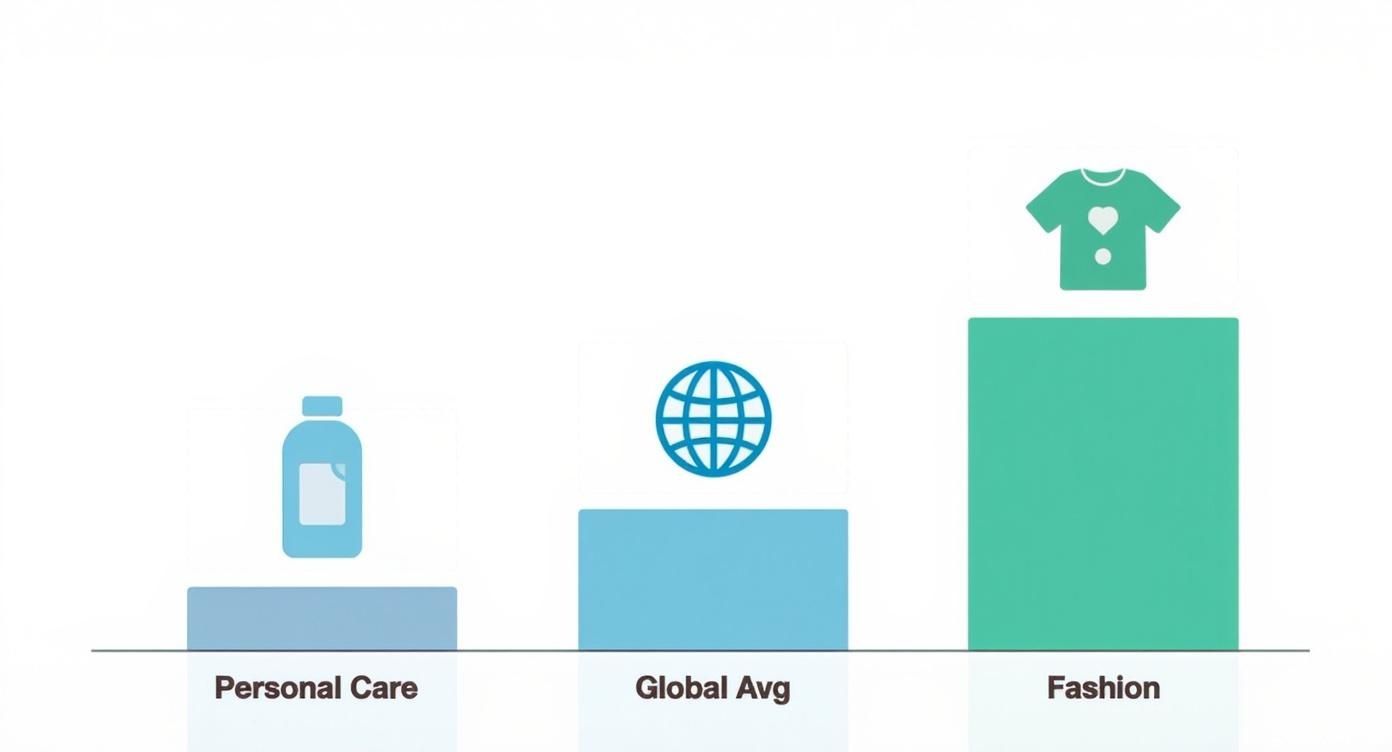
Here's what "normal" looks like by industry:
| Industry | Avg. Conversion Rate |
|---|---|
| Personal Care | 6.8% |
| Food & Beverage | 5.5% |
| Home & Garden | 3.2% |
| Pet Care | 2.9% |
| Electronics | 2.1% |
| Fashion & Jewelry | 1.9% |
If you're below your industry average, you have low-hanging fruit. If you're above it, congrats. You still have room to improve.
Site Speed: The Silent Conversion Killer
47% of shoppers expect your page to load in two seconds or less. Two seconds. That's less time than it takes to sneeze.
A one-second delay in load time causes a 7% drop in conversions. If your store does $10,000 a day, that's $255,000 a year you're burning because your site loads like it's running on a calculator from 1997.
Three things to fix immediately:
Compress your images. This is almost always the problem. You uploaded a 4MB product photo straight from your photographer. Your site is now loading like it's downloading a feature film. Use WebP format. Compress everything.
Clean up your code. That Shopify theme you installed has 14 apps injecting JavaScript into every page. Half of them you don't even use anymore. Remove them. Your site will load faster and your developer will stop crying.
Don't cheap out on hosting. The $5/month shared hosting plan seemed like a deal. It's not a deal when your site goes down during a flash sale and you lose $30,000 in revenue. Ask me how I know.
Your Checkout Is Probably Terrible
Here's a fun stat: 24% of shoppers abandon their cart because the site forces them to create an account.
Think about that. One in four people who wanted to give you money walked away because you asked them to create a password. A password they'll forget in 11 minutes.
Nope.
Strip it down
Look at your checkout form. Count the fields. Now remove half of them.
Do you need their phone number? No. Second address line? Probably not. Company name? Definitely not unless you're B2B.
Every field is friction. Every field is another moment where your customer thinks "is this worth it?" and the answer starts leaning toward "I'll just buy it on Amazon."
Guest checkout is non-negotiable
Let people buy without creating an account. Period. You can ask them to create an account AFTER they've purchased, when they're happy and riding the dopamine of a new purchase. Not before, when they're still deciding if they trust you.
Modern payment options
Nobody wants to type 16 credit card digits on a phone screen. Offer Apple Pay, Google Pay, PayPal. One-tap checkout.
And Buy Now, Pay Later services like Klarna or Afterpay? They increase average order value by 20-30% because suddenly that $200 purchase feels like four easy payments of $50. Psychology is undefeated.
Social Proof: Let Other People Sell For You
Customer reviews increase conversion rates by up to 270%. That's not a typo.
Yet most stores either hide their reviews on a separate page nobody visits, or they have zero reviews because they never asked for any. Both are bad.
Put reviews on your product pages. Not on a "testimonials" page. On the actual product page where buying decisions happen.
Photo and video reviews beat text. A customer holding your product in their kitchen is more convincing than any marketing photo your agency produced. It's real. People can tell.
Specific reviews sell. "Great product!" is worthless. "This moisturizer didn't break me out and it actually absorbed in under 30 seconds" answers a real question a real buyer has. Encourage detailed reviews by asking specific questions in your review request emails.
And while we're at it, put trust badges on your checkout page. Norton, McAfee, whatever. Make your return policy obvious. Put your contact info where people can find it without a treasure map.
These things seem small. Together they're the difference between "this seems legit" and "this seems like it'll steal my credit card info." You want the first one.
Abandoned Cart Recovery (Free Money)
71.3% of online shopping carts get abandoned. On mobile it's 77.2%.
That's not a problem. That's an opportunity. Those people already told you what they want. They picked it out, put it in the cart, and then got distracted by their kid, their boss, or a TikTok about a golden retriever. They didn't leave because they hate you.
A solid abandoned cart email sequence recovers about 10% of those carts, assuming the subject lines are good enough to get it opened. Here's the timing:
Email 1 (1-3 hours later): Simple reminder. "Hey, you left this behind." Include product images. No discount yet. Some people just needed a nudge.
Email 2 (24 hours later): Light urgency. "Still thinking about it? These tend to sell out." Not aggressive. Just a gentle reality check.
Email 3 (48-72 hours later): Now you pull out the incentive. 10% off or free shipping. This is your closer. If they don't bite here, they probably weren't going to buy anyway.
Always include images of the products they left behind. The visual triggers the "I want that" feeling again. Text alone doesn't do it.
For a deeper dive into the email side of things, check out our guide on ecommerce email marketing automation.
Mobile First. Always.
Desktop conversion rates are usually higher. But most of your traffic is mobile. So if your mobile experience is garbage, you're losing the majority of your potential customers before they even see your desktop site.
Test your checkout on your phone right now. Actually do it. Try to buy something from your own store on your phone.
Is the text readable without zooming? Are the buttons big enough to tap without accidentally hitting something else? Can you complete checkout in under 60 seconds?
If you answered "no" to any of those, you found your next project.
The One Change That Matters Most
If you're overwhelmed by all of this, just fix your checkout. That's it.
The checkout is where money changes hands. It's where most sales die. And it's where small improvements have the biggest, fastest impact on your bottom line.
Three things. Right now:
- Add guest checkout
- Show all costs upfront (no surprise shipping fees at the end)
- Remove every form field you don't absolutely need
Do those three things this week. Watch your conversion rate. Then come back and tackle the rest.
FAQ
How fast will I see results from conversion rate optimization?
Technical fixes (site speed, checkout simplification) show results within days. You'll see the numbers move almost immediately because you're removing friction that was actively killing sales. Bigger changes like redesigning product pages or building a review system take 2-4 weeks to generate enough data to measure properly.
What's a "good" ecommerce conversion rate?
Depends on your industry. Fashion sits around 1.9%, personal care hits 6.8%. If you're at 2% in an industry that averages 4%, you have serious room to improve. If you're at 4% in an industry that averages 2%, you're doing well but there's always more to squeeze out.
Should I focus on getting more traffic or converting existing traffic?
Convert existing traffic first. Every time. Driving more visitors to a site that converts at 1% is like pouring water into a bucket with holes in it. Fix the bucket, then turn up the faucet. You'll get more revenue from improving conversion by 1% than you will from doubling your ad spend.
How many abandoned cart emails should I send?
Three. One within a few hours, one at 24 hours, one at 48-72 hours with an incentive. More than three and you're annoying people. Fewer than three and you're leaving money on the table. The sweet spot is three emails over three days.
Do trust badges actually work?
Yes. They work especially well on checkout pages where purchase anxiety peaks. Norton, McAfee, SSL badges, money-back guarantees. They all reduce the "is this site going to steal my credit card" feeling that kills conversions. Not glamorous, but effective.